
Table of Contents
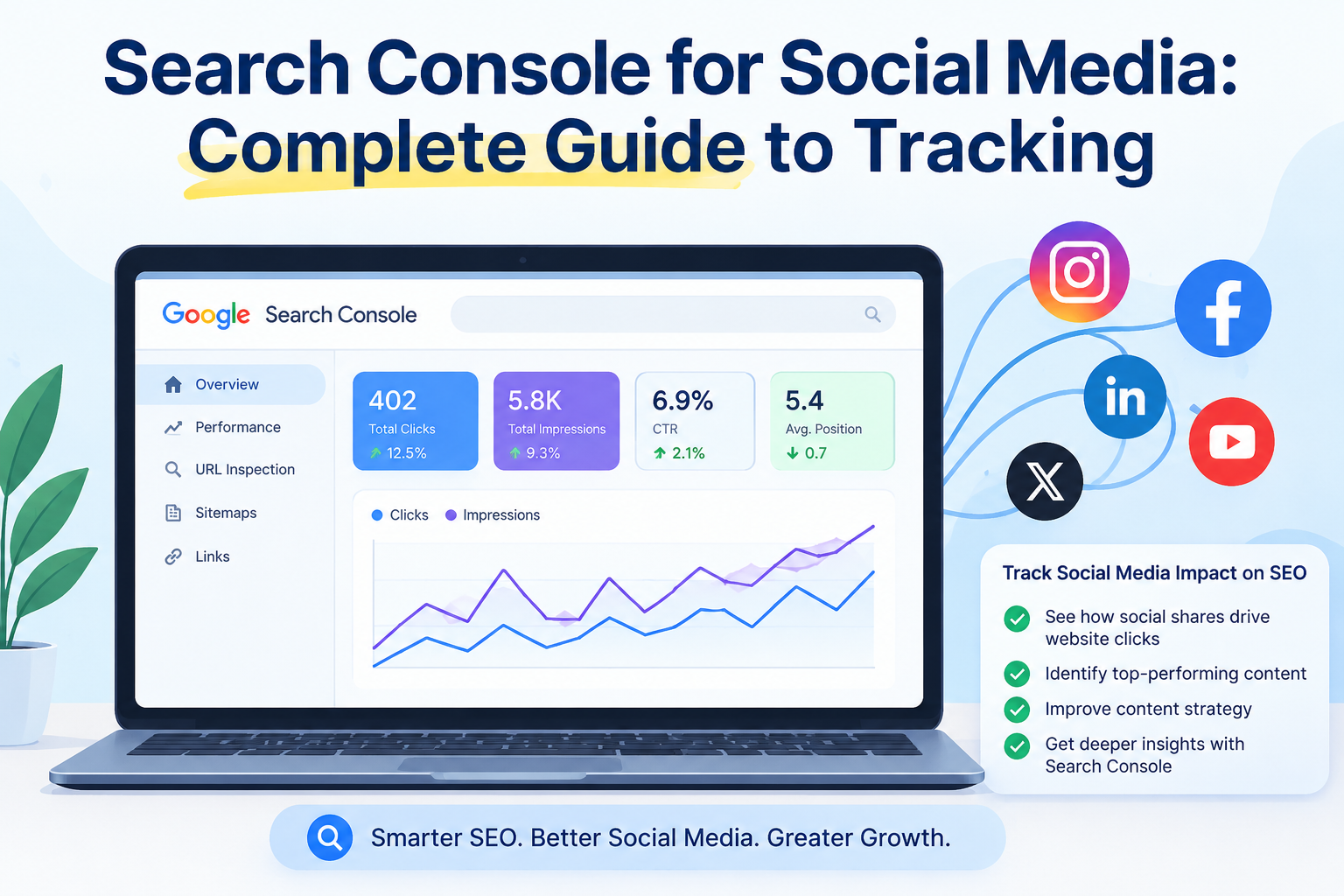
For years, social media managers had one big blind spot. They could see likes, shares and comments. But they could never tell how many people found their posts through a Google search. That gap is finally closing. Search Console for social media is the new feature that lets you connect your social profiles directly to Google and see real search data for the first time. In this guide, we will talk about what it is, how it works and how you can use it to grow your brand online.
What Is Google Search Console?
Google Search Console is a free tool from Google. It shows you how your website performs in search results. You can see which pages get clicks, which keywords bring visitors and how your site ranks over time. This tool only worked for websites with a domain for a long time. So you could not use it if you did not own a website. That situation has now changed.
Can Google Search Console Track Social Media?
Yes and this is where Search Console for social media comes in. Google added a new type of property inside Search Console. It is called platform properties. So you can connect any social media account directly to your Google account. You do not need a website at all.
Google tells you how well your posts perform on Google Search, Google Discover and Google News after you connect them. This is a major move as creators and brands on social media platforms can now track their search performance as well.
How Social Media and Google Search Work Together
There is no difference between social media and Google. Google integrates Reels, videos from TikTok and Instagram posts in the search results. This means that any social media content may pop up in the search results when someone looks for a specific thing on Google.
This means your content is not just competing on the app. It is also competing and winning on Google itself. Google Search Console for social media gives you a clear window into this overlap. It can also help you to see exactly which of your posts are showing up and getting clicks from search.
What Search Console Can Tell Social Media Marketers
Search Console for social media gives you three main reports once your account is linked. The first is Performance. It shows clicks, impressions and the exact words people typed to find your post.
The second is Insights. It gives you a quick overview of your top posts and traffic trends. The third is Achievements. It tracks growth milestones, like reaching a new number of clicks in the last month. So all these reports tell you which content is working and why it is working.
How to Measure Social Media Impact Using Search Console
Start by connecting your profile as a new property inside Search Console. Choose your platform, follow the verification steps and authorize the connection through your social account. Then check the Performance report every week once it is verified.
Look at which posts bring in the most clicks from Google and which search terms lead people there. This is especially useful for Search Console for Instagram marketing. Because here visual content can now be measured against real search terms rather than guesses. Over time it will also help you start to see patterns. Some topics may always perform well in search even if they do not get many likes on the app itself.
Best Search Console Reports for Social Media Teams
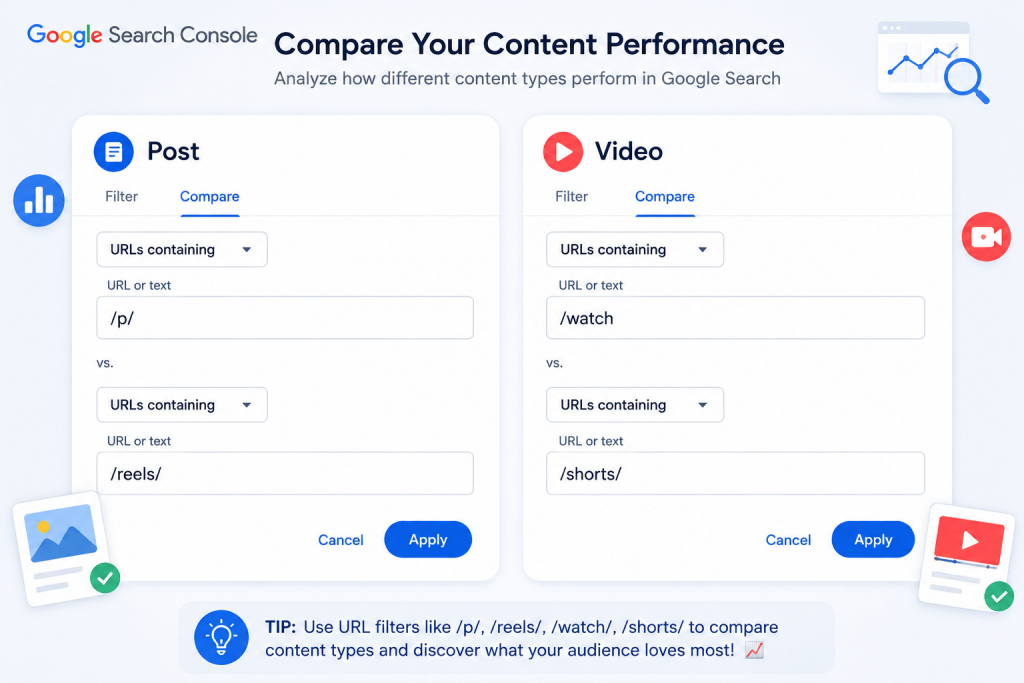
The Performance report is the most useful place to start for social media teams. It lets you filter by post and by search query. So you can see exactly what people searched before landing on your content. The Insights report is great for a quick weekly check because it highlights your top posts without much digging.
The Achievements report is a nice one to share with your manager or client. Because it shows clear and simple growth wins. Overall these reports turn guesswork into real numbers and that is the whole point of using Search Console for social media in the first place.
Search Console vs Google Analytics vs Social Analytics
People often ask how this compares to other tools and it helps to know the difference between Search Console vs Google Analytics for social media use.
- Google Analytics tracks what happens on your own website after someone arrives there.
- Search Console tracks what happens before that click on Google’s search results.
- Social analytics show you reach and engagement inside the app itself.
So none of these three tools replace each other. They work best when you use them together and each one tells a different part of the same story.
How Search Queries Can Improve Your Social Media Strategy
The search queries inside your Performance report are like a gift. They tell you the exact words your audience uses to find you on Google. You can use these words in your captions, video titles and even in your screen text. This is the heart of social search optimization. You now have real data pointing in the right direction instead of guessing what to post. That is a clear sign people want more content on that topic if certain queries keep showing up week after week.
Common Mistakes Social Media Managers Make
Many social media managers skip Search Console entirely because they assume it is only for websites. That is the biggest mistake. The reason is that it means missing out on free and official data straight from Google. Another common mistake is checking the reports once and never again. Search data needs regular attention to spot real trends over time. Some managers also forget to combine this data with their website reports and miss the full picture of where their traffic really comes from. Following a proper Google Search Console guide for social media helps you avoid these gaps from the start.
Search Console with AI Search in 2026
Search in 2026 is not just about blue links anymore. AI-powered answers are becoming a bigger part of how people find information and social content is playing a growing role inside those answers too. Search Console for social media fits right into this shift. Because it helps brands understand their footprint across every part of the search experience. Marketers who track this data early are building a strong head start and that history becomes more valuable with every passing month.
Conclusion
Search Console for social media closes a gap that social media managers have dealt with for years. It gives you real and official numbers on how Google Search sends traffic to your social media content. Setting it up takes just a few minutes and it does not cost a thing. So start by connecting your profile today and also check your reports every week. You can also use the real search queries to guide your content plan if you want to improve social media using Search Console. This small habit can make a big difference in how your brand grows online over time.
If tracking and reporting on your social media performance feels like a lot to manage on your own, let Digital Advengers set this up and handle the reporting for you!
FAQs
Can Google Search Console track Facebook traffic?
Not yet. At the moment, only Instagram, TikTok, X and YouTube can be connected as platform properties.
Does Search Console show social media clicks?
Yes. The Performance report shows clicks and impressions your posts receive from Google Search and Discover.
Is Search Console better than Google Analytics?
Not better, just different. Search Console shows search data before the click while Analytics shows behavior after the click.
Does social media improve Google rankings?
Social media does not directly boost website rankings but it can bring visibility, links and brand searches that support your overall SEO.
How do I measure social SEO?
You track clicks, impressions and search queries inside Search Console for Social Media and compare them over time to see what is working.
Can Instagram posts rank on Google?
Yes. Instagram posts can appear in Google Search and Discover results and Search Console now tracks that performance.
What is Social SEO?
Social SEO means shaping your social media content so it can also be found through Google Search, not just inside the app.
How often should I check Search Console?
Checking every week is a good habit, so you can catch trends early and adjust your content plan.
Can Search Console track LinkedIn traffic?
No. LinkedIn is not yet included in the platform properties feature.
What reports should marketers monitor weekly?
Marketers should keep an eye on the Performance and Insights reports each week for the clearest view of search trends.


